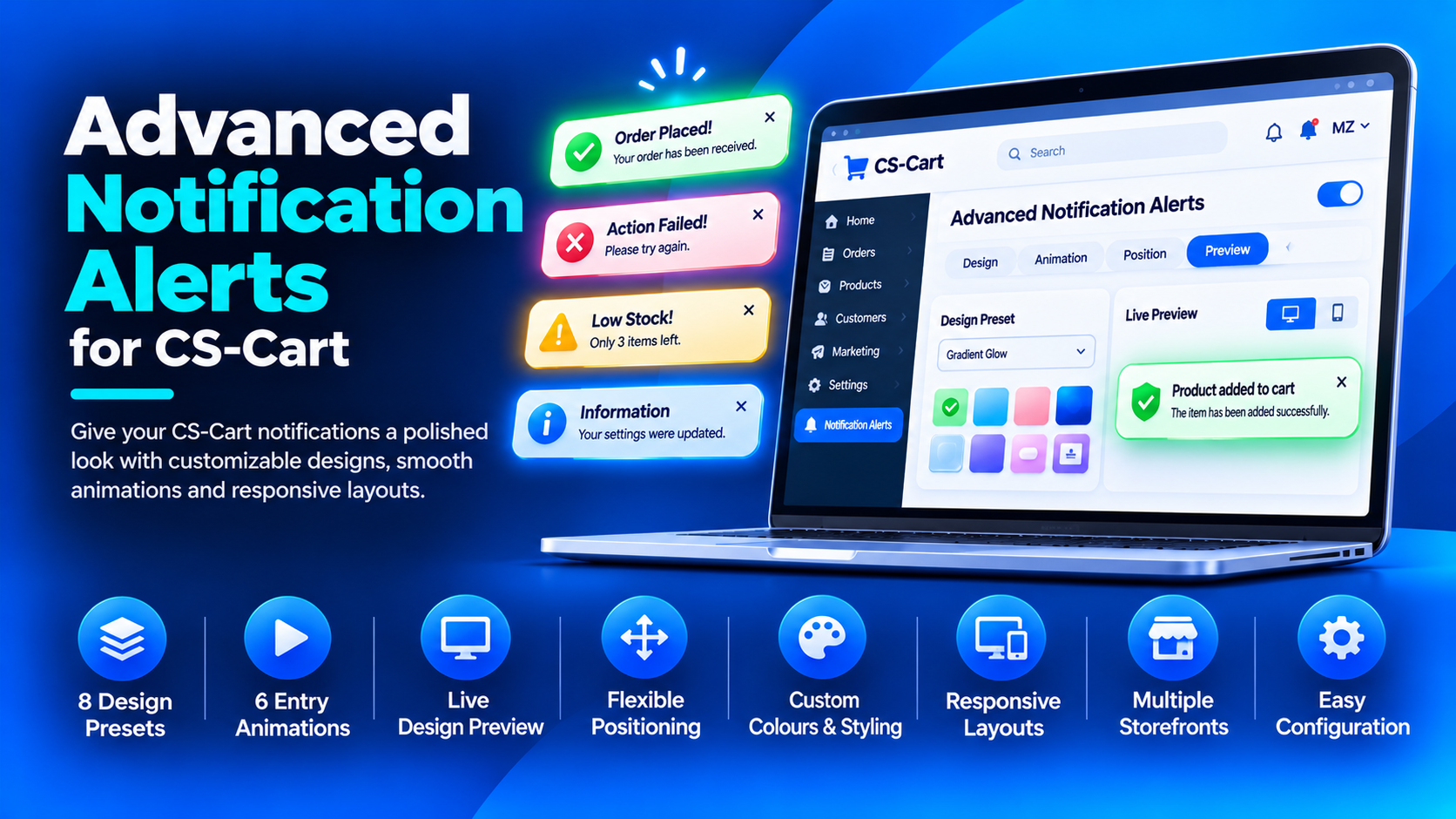
Advanced Notification Alerts
Give your CS-Cart notifications a polished look that matches your brand. Advanced Notification Alerts by WebCartics brings customizable designs, smooth animations and responsive layouts to your store’s native notification messages.
Configure your notification style directly in the admin panel and preview changes before saving.
8 Ready-to-Use Design Presets
Choose a starting design that suits your store:
- Soft Minimal
- Accent Edge
- Soft Tint
- Bold Solid
- Frosted Glass
- Gradient Glow
- Compact Pill
- Centered Card
6 Smooth Entry Animations
Choose from Slide + Fade, Fade, Soft Scale, Spring, Pop and Reveal. Adjust the animation duration from 100 to 1500 milliseconds to control how your notifications appear.
The add-on respects visitors’ reduced-motion preferences.
Live Design Preview
See your design as you configure it:
- Switch between desktop and mobile previews.
- Preview success, error, warning and information messages.
- Replay the entry animation.
- Review colours, spacing, sizing and positioning before saving.
Flexible Desktop and Mobile Positioning
Choose from 7 desktop positions and 3 mobile positions, including Screen Centre.
Configure desktop and mobile placement independently to suit each screen size.
Custom Colours and Styling
Match notifications to your store’s visual identity:
- Separate colours for success, error, warning and information messages.
- Custom background, title, description, border and close-button colours.
- Adjustable card width, corner radius, padding and font size.
- Configurable edge spacing and gaps between stacked notifications.
- Adjustable icon size and border width.
- Three shadow options: None, Soft and Deep.
- Optional countdown bar, status icons and icon animation.
Native Notification Integration
Style the notifications your customers already receive, including native product-added confirmations. Product details, selected options and shopping actions remain part of the standard CS-Cart notification flow.
Responsive Layouts
Notifications adapt to smaller screens, helping keep messages readable on desktop and mobile devices.
Multiple Storefront Settings
On CS-Cart editions that support multiple storefronts, configure global defaults and separate storefront overrides to match each storefront’s design.
Easy Configuration
- Install the add-on using the CS-Cart add-on manager.
- Open WebCartics: Advanced Notification Alerts → Settings.
- Choose a preset and customize the design, animation and positions.
- Review the live preview and save your settings.
Theme Compatibility
Designed for themes using standard CS-Cart notification markup. Themes that replace the native notification implementation may require adaptation. Multiple-storefront settings require a CS-Cart edition that supports multiple storefronts.