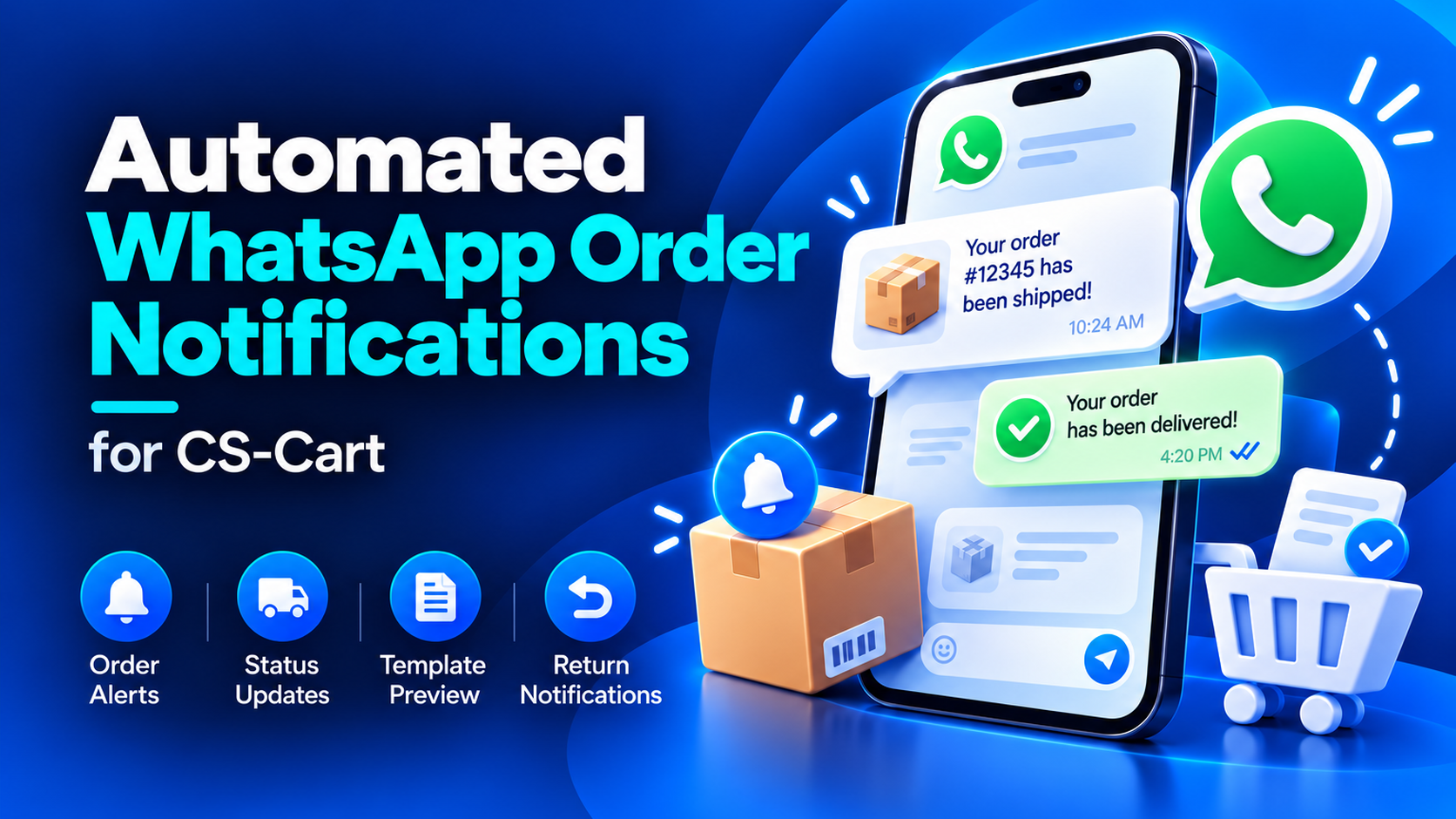
Keep your customers informed with automated WhatsApp notifications for order confirmations, status changes, order updates, and returns.
Automated WhatsApp Order Notifications by WebCartics connects your CS-Cart store with the Meta WhatsApp Cloud API. Create personalized notification templates, insert relevant order details, and preview your messages in a WhatsApp-style chat before submitting them to Meta.
Automated notifications for key order events
- Order confirmations: Notify customers when their order is placed.
- Order status changes: Keep customers informed as their order progresses.
- Order updates: Send notifications when order details change.
- Return notifications: Inform customers about return requests and supported return status updates.
Personalized message templates
Create separate message content for each notification type. Personalize your templates with supported variables, including customer name, order number, order total, product information, status, and relevant links.
The variable library displays the placeholders available for each notification type. Click a variable to copy it and paste it into your message.
Live WhatsApp-style preview
Review your message inside a mobile chat preview while editing. Sample customer and order details help you check formatting, paragraph spacing, and variable placement. Switch between notification tabs to preview the corresponding message.
Organized template management
Manage order confirmations, status notifications, order updates, and returns through dedicated tabs. View template submission and approval status, and submit supported template changes to Meta from the administration panel.
WhatsApp API configuration
Configure your WhatsApp Phone Number ID, Business Account ID, and access token through dedicated settings with explanatory tooltips.
Storefront-specific configuration
Maintain separate template settings and variable mappings for individual storefronts.
Requirements
- A Meta developer app with WhatsApp configured.
- A WhatsApp Business Account and sender Phone Number ID.
- A valid access token with the required WhatsApp permissions.
- Meta-approved message templates before sending customer notifications.
- Customer phone numbers including the country code.
- The CS-Cart RMA add-on for return-related functionality.
Available variables depend on the selected notification type.