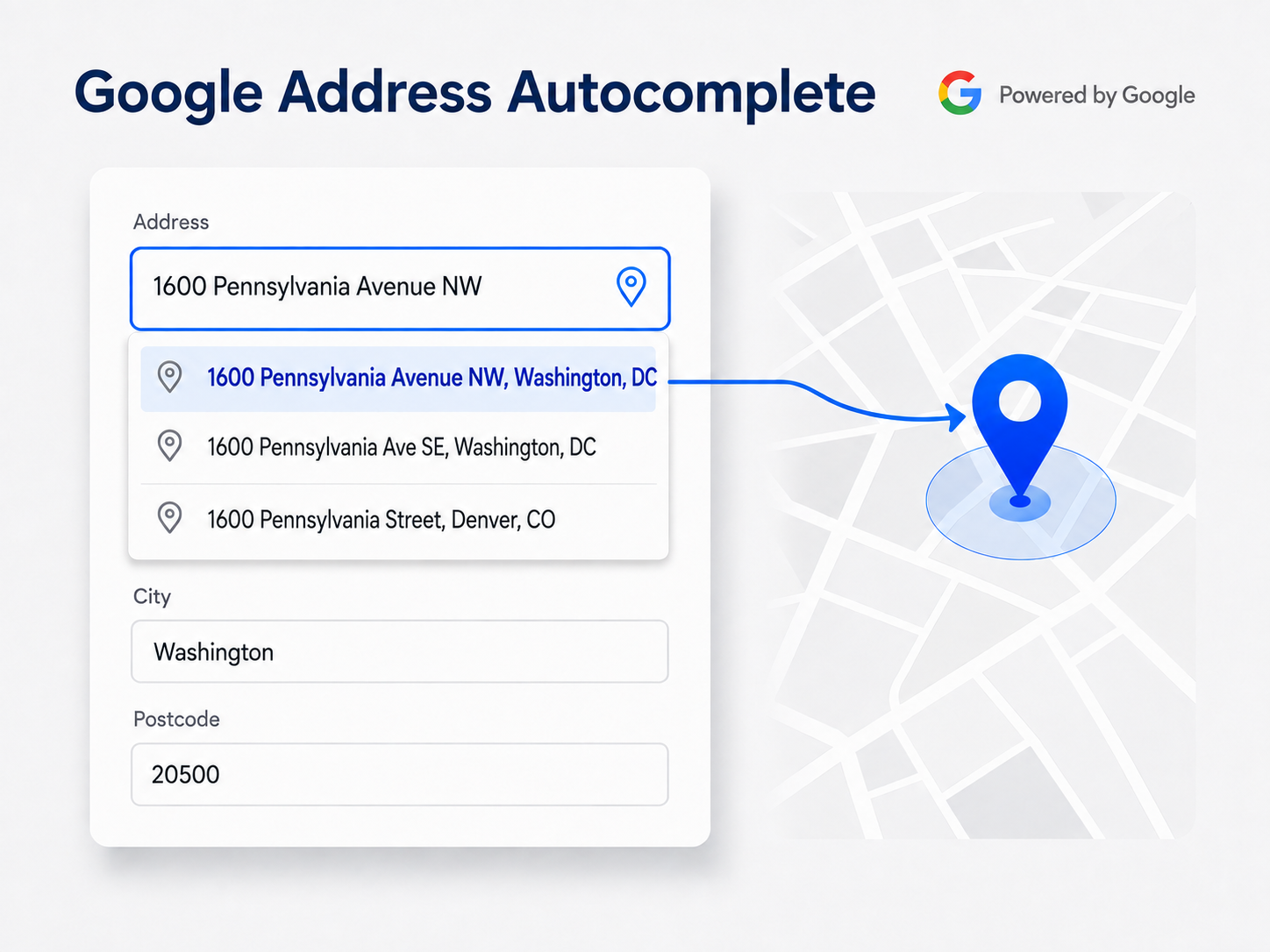
Google Address Autocomplete
Typing a complete address is often the slowest part of checkout, and even a small typo can cause delivery problems.
The Google Address Autocomplete add-on makes address entry faster and more accurate. Customers simply type a few characters, select the correct address from Google’s suggestions, and the relevant address fields are filled automatically.
Automatically Filled Address Fields
After the customer selects an address, the add-on can automatically complete:
- Address line 1
- Address line 2, including apartment or neighbourhood information
- City
- County, where supported by the store
- Postcode or ZIP code
- Country
- State, province or region
The country is selected first and its standard CS-Cart change event is triggered. This allows CS-Cart to rebuild the state field normally before the add-on selects the correct state.
States are matched using:
- State code
- State name
- Google’s short name
- Google’s full name
If CS-Cart does not have predefined states for the selected country, the add-on fills the free-text state field instead.
Supported Address Forms
The add-on works across the following storefront and administration areas:
- Guest checkout
- Logged-in customer checkout
- Separate shipping and billing addresses
- Customer registration
- Customer profile editing
- Additional customer profiles
- Vendor registration in CS-Cart Multi-Vendor
- Vendor account settings
- Address forms in the administration panel
Shipping and billing address sections work independently. You can enable or disable either section without affecting the other, and an address selected in one section will never populate the other.
Use Current Location
A small location icon can be displayed inside the address field. When the customer clicks it, the browser requests permission to access their current location. Permission is never requested automatically.
The add-on uses the accuracy reported by the customer’s device:
- A precise GPS location can fill the complete street address.
- A less accurate Wi-Fi or network location fills only the city, region and country.
- If the location is too inaccurate to trust, no address is filled.
If the customer declines location permission, checkout continues normally and the address can still be entered manually.
Built to Work Quietly with Your Store
The add-on is designed to preserve the standard behaviour, appearance and structure of CS-Cart.
- No CS-Cart core file is modified, replaced or overridden.
- The add-on installs only its own files.
- No additional database tables are created.
- Existing address fields retain their original design.
- Fields are not wrapped, resized or restyled.
- Only a small optional location icon is added inside the address field.
- Uninstalling the add-on does not modify or remove customer, order, vendor or profile data.
- Classes, functions and language variables use unique prefixes to prevent conflicts with themes and other add-ons.
- Compatible with the Responsive theme and themes based on it, including UniTheme2.
Add-on Settings
The administration panel provides the following configuration options:
- Google API key
- Enable or disable autocomplete on checkout pages
- Enable or disable autocomplete on customer profile forms
- Enable or disable autocomplete on vendor forms
- Enable or disable autocomplete in the administration panel
- Enable separately for shipping addresses
- Enable separately for billing addresses
- Show or hide the current-location icon
- Choose the address format:
- House number first: 221B Baker Street
- Street name first: Baker Street 221B
- Set the minimum number of characters required before suggestions appear, from 1 to 10
- Allow suggestions worldwide or restrict them to selected store countries
- Search and select countries from the countries configured in your store
- Enable optional debug logging
Google allows autocomplete requests to be restricted to a maximum of five countries.
For better performance, the Google autocomplete widget is not initialized until the customer types the configured minimum number of characters. If the customer does not interact with an address field, the widget is not created.
Debug logging is disabled by default. When enabled, the Google API key is masked before any information is written to logs or error messages.
Requirements
- CS-Cart or CS-Cart Multi-Vendor 4.x
- A Google Cloud project with billing enabled
- Maps JavaScript API
- Places API
- Geocoding API
- Geolocation API — optional and used only when the device cannot provide a sufficiently accurate location
For security, the Google API key should be restricted by HTTP referrer, as recommended by Google.
Safe Default Behaviour
Until a valid Google API key is entered, the add-on does not load or display anything on the storefront.
All address forms continue to work exactly as they do in a standard CS-Cart installation.