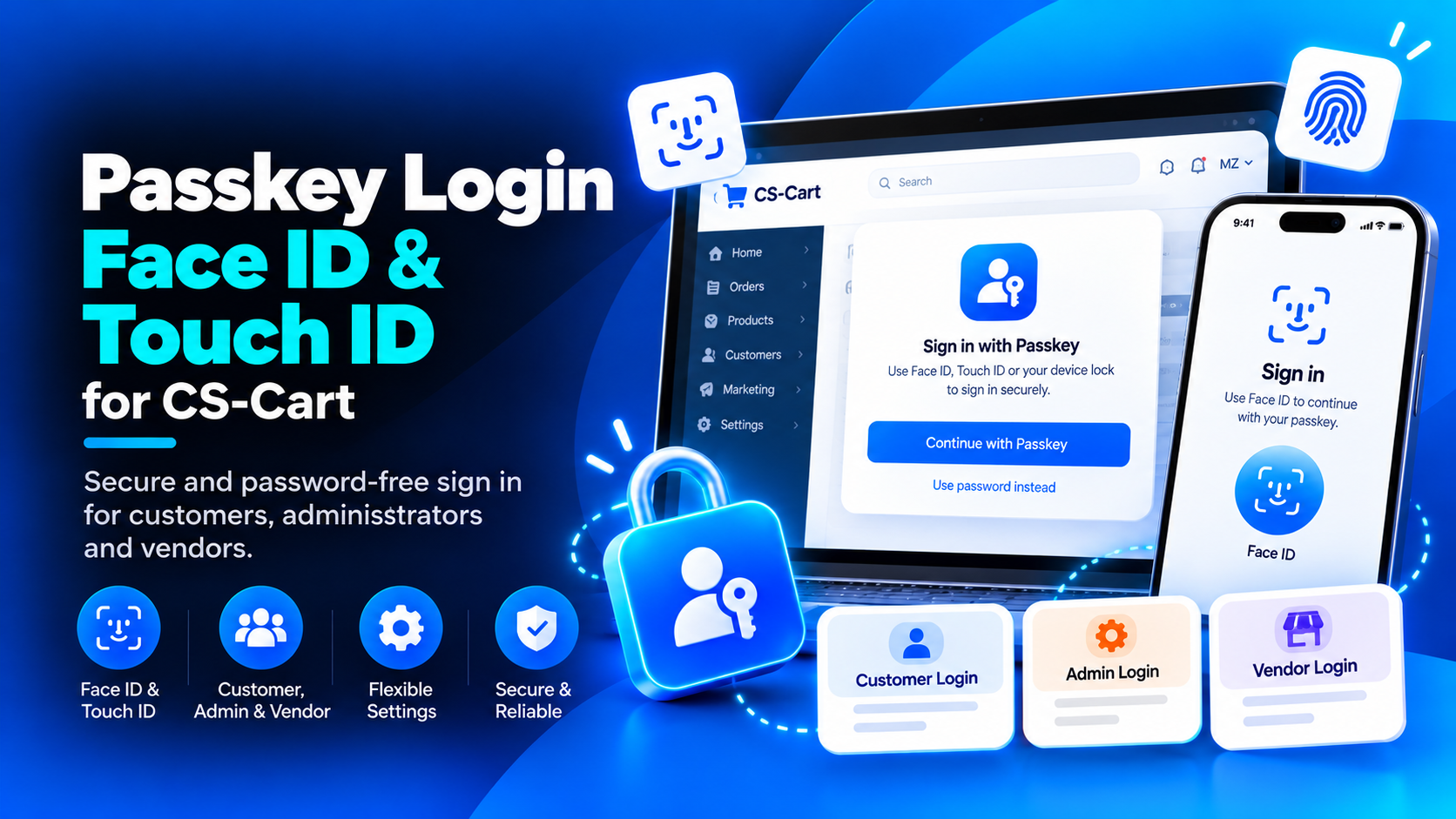
Passkey sign-in for CS-Cart and Multi-Vendor
WebCartics: Passkey Login – Face ID & Touch ID adds WebAuthn passkey authentication for customers, administrators and vendor users. On supported devices, users can confirm sign-in with Face ID, Touch ID, a fingerprint or a device screen lock. Familiar password sign-in and recovery remain available.
Three account areas, separate controls
- Customer passkey login on the storefront.
- Administrator passkey login for the administration panel.
- Vendor passkey login for the Multi-Vendor vendor panel.
- Separate switches for each account area.
Save a passkey after password login
Eligible users without an active passkey for the current hostname can receive an optional Save passkey / Not now invitation after verified password login. Choosing Save starts the browser or device provider's enrollment flow on the current page. Users decide whether to continue.
Manage saved passkeys
- Add passkeys and give devices recognizable names.
- View registration dates, last-use information and active status.
- Rename credentials or revoke a passkey that is no longer needed.
- Verify identity using the current password or an existing passkey before changes.
Native settings with explanatory tooltips
- Allow or stop new passkey registration.
- Enable or disable post-login enrollment invitations.
- Set the maximum active passkeys per account.
- Configure challenge expiration and identity-verification lifetime.
- Set request limits and rate-limit windows.
- Enable authentication audit logs and configure retention.
- Use the native add-on Active/Disabled status as the master switch.
Storefront-scoped options support native storefront overrides. Administrator login, vendor login and shared audit retention remain global.
Device-based verification
Biometric verification is handled by the user's authenticator or passkey provider. The add-on does not collect fingerprint or face data. Passkeys are bound to the configured hostname; separate domains require separate enrollment. Existing account roles and access checks still apply.
Requirements and installation
- Designed for CS-Cart / Multi-Vendor 4.20.1.
- PHP 8.0–8.3 with OpenSSL and mbstring.
- HTTPS with a valid certificate on live storefront and backend domains.
- A browser, operating system and authenticator supporting WebAuthn passkeys and user verification.
- Responsive storefront integration is included; custom themes may require hook/template compatibility adjustments.
Install the ZIP using CS-Cart's native add-on upload interface, activate it and configure the settings. PHP dependencies are bundled, so no server-side Composer command or core file edits are needed.
Available verification methods and native dialogs depend on the browser, operating system and passkey provider. Browser-prompt illustrations in the gallery are clearly labelled; their appearance is not universal.