
Blogs
Payment Gateways SKU: WC-PHONEPE-GATEWAY

PhonePe Payment Gateway for CS-Cart

Accept secure PhonePe, UPI, card, net banking, and wallet payments directly in your CS-Cart or Multi-Vendor store with a reliable PhonePe payment gateway integration for Indian merchants.

$50.00 Verified marketplace add-on
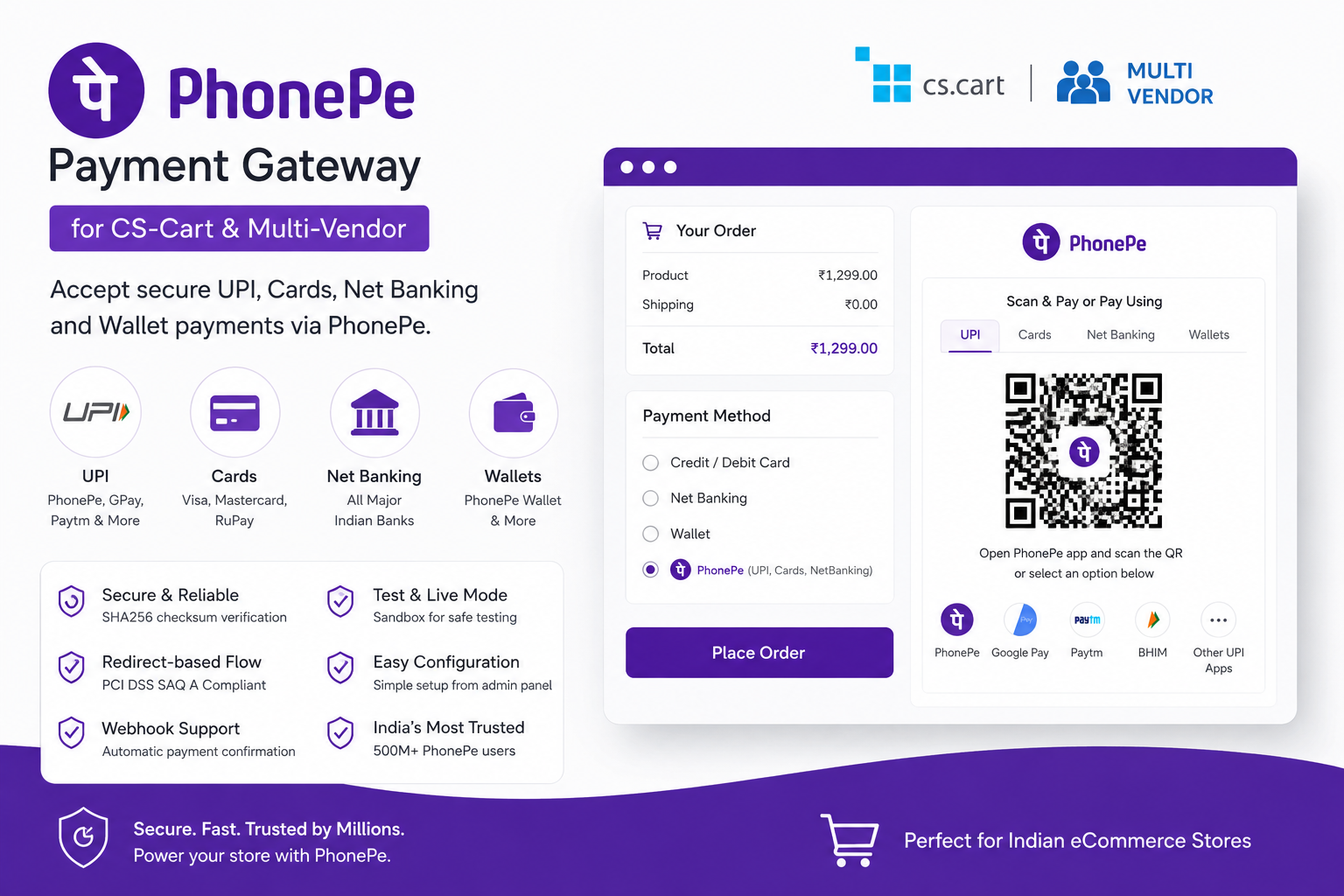
PhonePe Payment Gateway allows CS-Cart and Multi-Vendor store owners to accept online payments through PhonePe’s secure payment flow. The add-on redirects customers to PhonePe’s hosted payment page, where they can complete the payment using UPI apps, credit/debit cards, net banking, wallets, and other supported Indian payment methods.

This add-on is designed for Indian eCommerce stores using INR and helps merchants offer a smooth, trusted, and secure checkout experience to their customers.

Supported Payment Methods

  • UPI payments through PhonePe, Google Pay, Paytm, BHIM, and other UPI apps
  • Credit and debit cards
  • Net banking from major Indian banks
  • PhonePe Wallet and supported wallets

Key Features

  • Secure PhonePe payment gateway integration for CS-Cart
  • Compatible with CS-Cart and Multi-Vendor
  • Redirect-based payment flow for safe checkout
  • Supports PhonePe sandbox/test mode and live/production mode
  • Automatic amount conversion into paise
  • Secure checksum/hash verification for API requests
  • Server-to-server callback/webhook support
  • Configurable order statuses for successful, failed, and pending payments
  • Prevents duplicate order processing with safe callback handling
  • Easy setup from the CS-Cart admin panel
  • Suitable for Indian stores accepting INR payments

Benefits

With this add-on, customers can pay using their preferred Indian payment method without leaving a trusted and secure PhonePe payment environment. Store admins can manage payment configuration from the CS-Cart backend and map order statuses according to their business workflow.

Requirements

  • CS-Cart or Multi-Vendor 4.x
  • PHP 7.1 or higher
  • Active PhonePe merchant account
  • PhonePe API credentials
  • SSL certificate enabled on your store
  • Store currency should be INR for correct payment processing

Installation

  1. Go to Add-ons > Manage add-ons in your CS-Cart admin panel.
  2. Click Manual installation and upload the add-on ZIP file.
  3. Install and activate the add-on.
  4. Go to Administration > Payment methods.
  5. Create a new payment method.
  6. Select WebCartics: PhonePe Payment Gateway as the payment processor.
  7. Enter your PhonePe merchant credentials.
  8. Enable test mode for sandbox testing or switch to live mode for production.